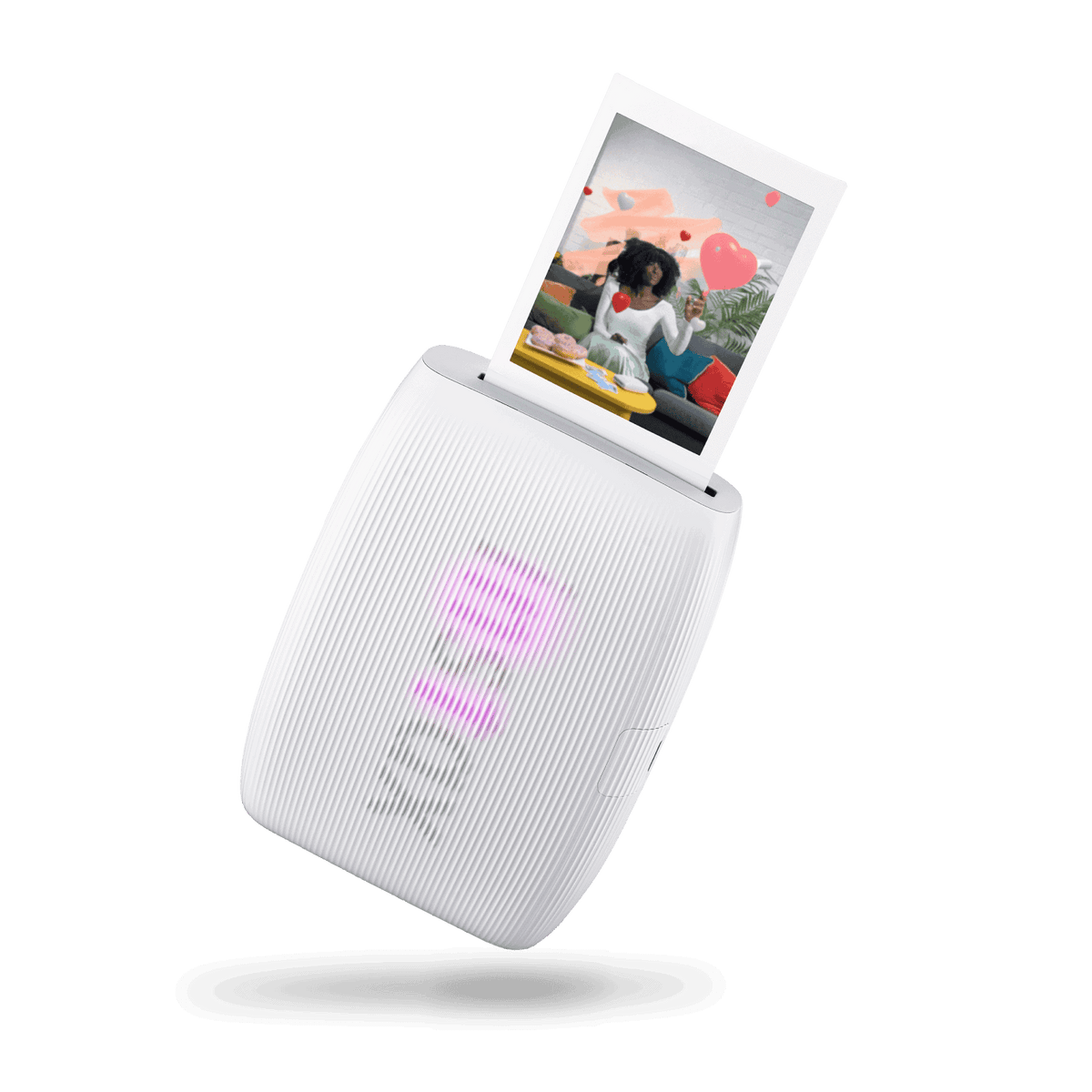
Turn new smartphone photos and favorites from your camera roll into physical instax mini instant photos with the instax mini Link 3. The printer works with the free instax mini Link app and requires instax mini instant film, sold separately.
Each print takes approximately 15 seconds to produce, followed by approximately 90 seconds of development, depending on ambient temperature. The full print measures 86 mm x 54 mm, with a 62 mm x 46 mm picture area.
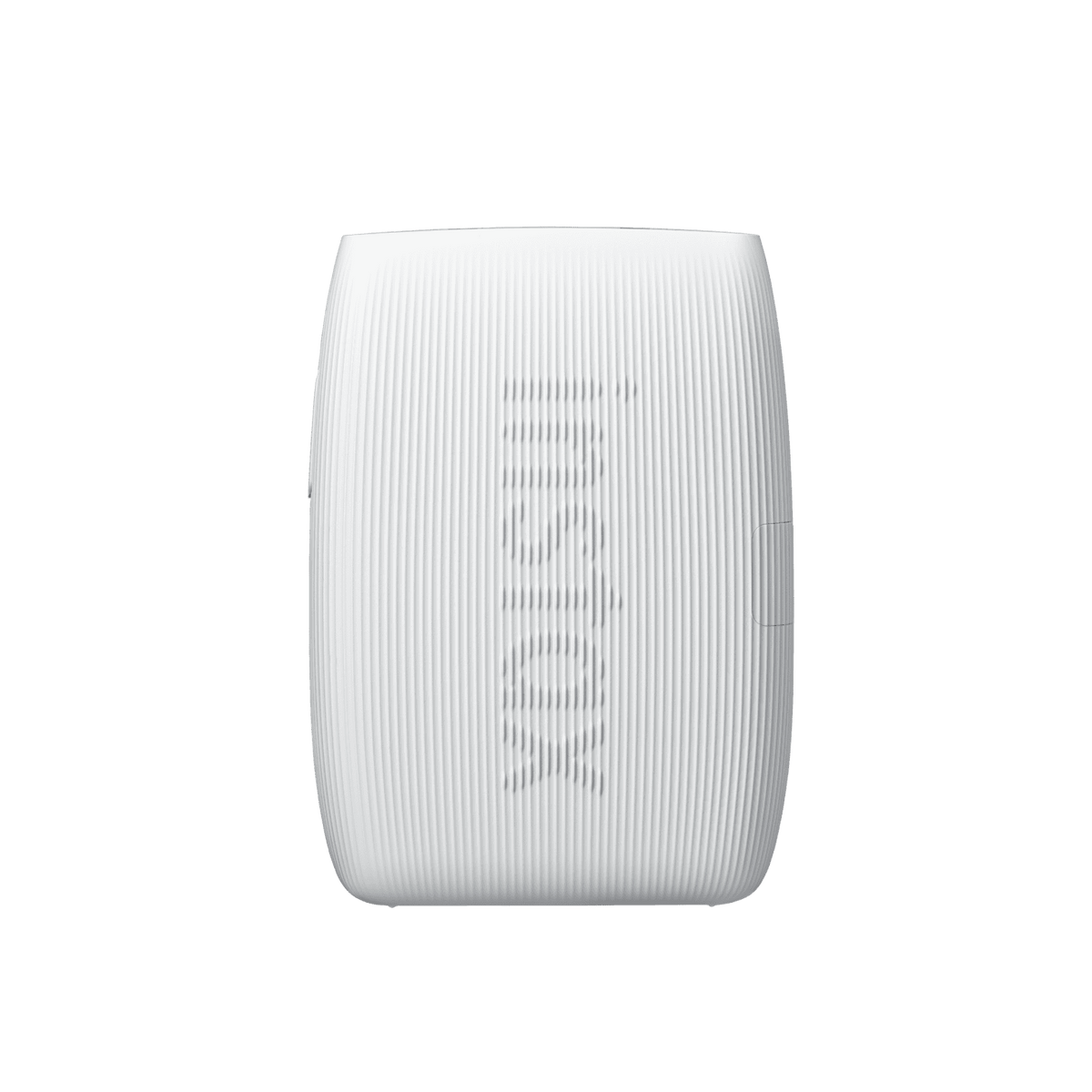
The Clay White printer has a textured, easy-to-hold body. Three front LEDs pulse in different colors to reflect what the printer is doing.
Build a scene before taking your photo with instax AiR Studio. Scan the floor with your smartphone to establish the shooting area, then combine a background, foreground decorations and animated 3D AR effects. Options include balloons, hearts, leafy garlands, confetti and spotlights. Save up to 20 creations in the app for later printing, or record a video to share.
AiR Studio also lets you use images stored on your phone as backgrounds or decorations. Adjust a decoration’s position and size, and use the background, décor and animated effects together or individually. Choose photo, video or collage shooting; an animated effect can be replayed with the app’s playback button or the printer’s function button.
Remote Live View helps the photographer and subject see the same AiR Studio scene. Display the app’s QR code and scan it with another smartphone to share the view before shooting. The person being photographed can also trigger the photo from their phone. Remote Live View requires the instax mini Link app and an internet connection.
Add a QR code to a printed AiR Studio photo so it can link back to your recorded video. Scan the code with a smartphone to play the video.
Click to Collage creates a photo-booth-style sequence of six shots taken at three-second intervals. Choose two, four or six images for the printed layout, then edit and filter each image individually. The sequence can also become an instax Animation with an editable background, ready to save to your camera roll or share online.
- • Video Print: Select a favorite moment from a smartphone video in the free instax mini Link app and print it as an instant photo. Bluetooth connectivity is required.
- • Frame Print: Personalize photos with frames, stickers, emoji or text. Frames can be adjusted during or after shooting, and the selection includes regularly updated seasonal designs.
- • Collage Print: Combine multiple favorite photos into a single instax mini print.
- • Two image styles: Choose instax-Natural Mode for a classic, desaturated appearance or instax-Rich Mode for bright, colorful results.
- • Remote shooting: Position your smartphone for a group photo and use the printer’s power button to release the shutter through the app’s instax Camera feature. Tilt the printer to zoom in or out.
- • Motion-controlled reprints: Before switching the printer off, turn it upside down and hold its power button for one second to make another copy of the last printed image.
- • Match Test: Answer questions with a friend and print the compatibility results on a photo of the two of you. The app also offers a quick diagnosis and a color-based compatibility test.
- • Social sharing: Save an image from Print History to your smartphone, choose a background color or an image from your camera roll, and share the finished image on social media.
USB Type-C charging powers the internal, nonremovable lithium-ion battery. A full charge provides approximately 100 prints, depending on use. Charging takes approximately 1.5 to 2.0 hours, depending on temperature and the remaining battery level.
The mini Link 3 supports Google Fast Pair. Direct printing from the FUJIFILM X-T30 III mirrorless digital camera is also supported.
For AiR Studio floor detection, hold the phone vertically, angle its camera toward the floor and move slowly. White or patternless floors can be harder to scan. The feature recognizes people, but some devices may not recognize pets or objects; Android devices require an internet connection.
Check the iOS or Android app download listing for smartphone availability and compatibility. Wireless communication time depends on factors such as file size and phone model. Image size, phone model and shooting conditions can affect print sharpness, grain, color and overall appearance, and a print may look different from the image on your phone’s screen.